Loop Ring Guide
Everything you need to know about using and maximizing your Loop Ring experience.
Getting Started
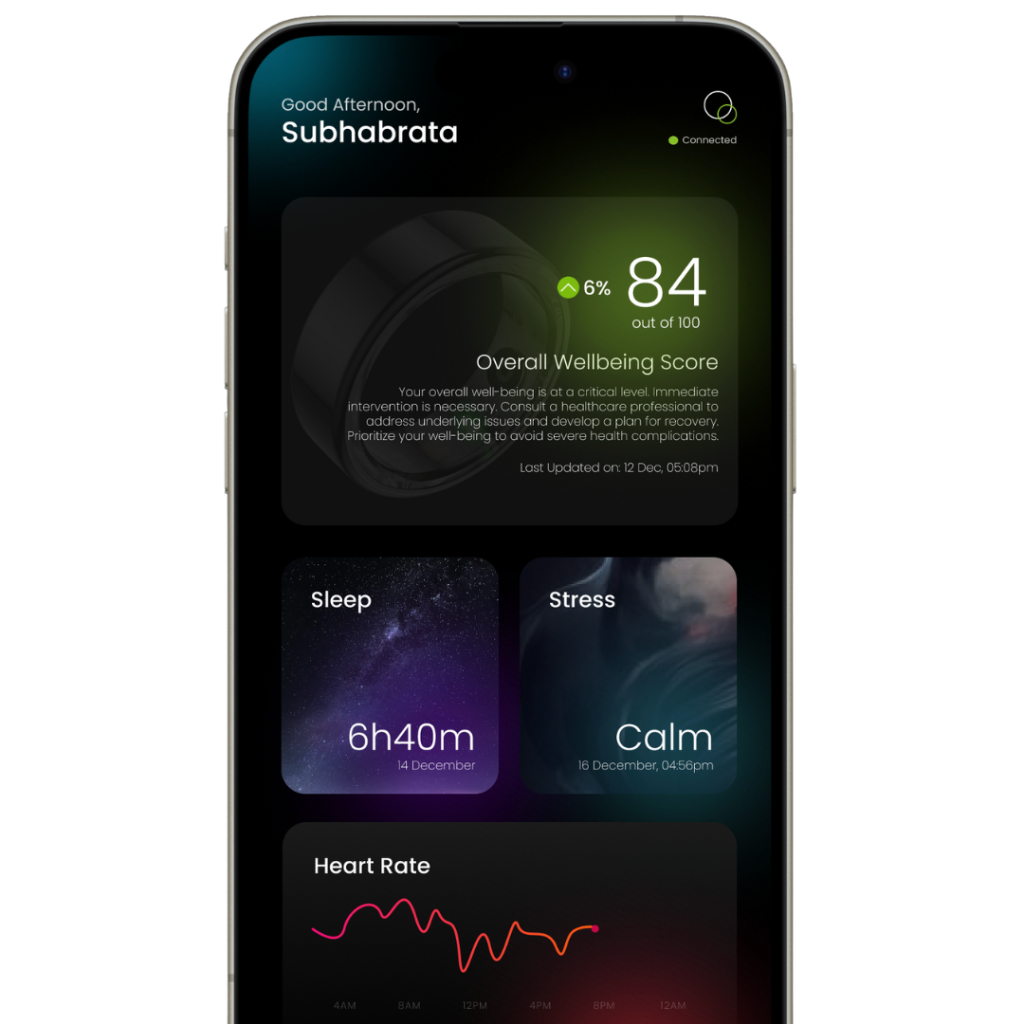
1. Download the Loop App
Download the Loop app from the App Store or Google Play Store. The app is your gateway to all your health insights and personalized recommendations.
2. Charge Your Ring
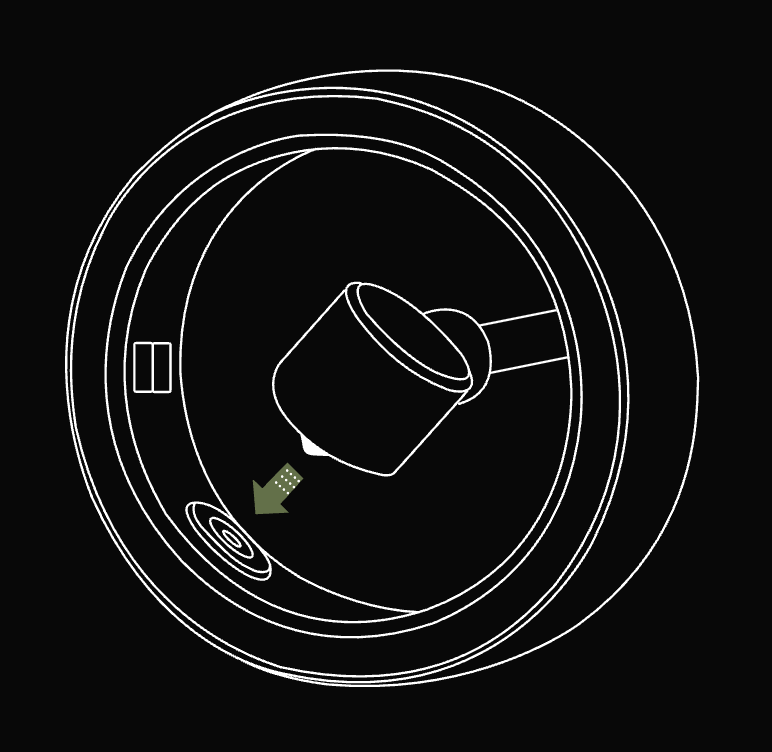
Before first use, charge your Loop Ring using the included wireless charging dock. A full charge takes about 2 hours and provides 4-5 days of continuous monitoring.
3. Pair with Your Phone
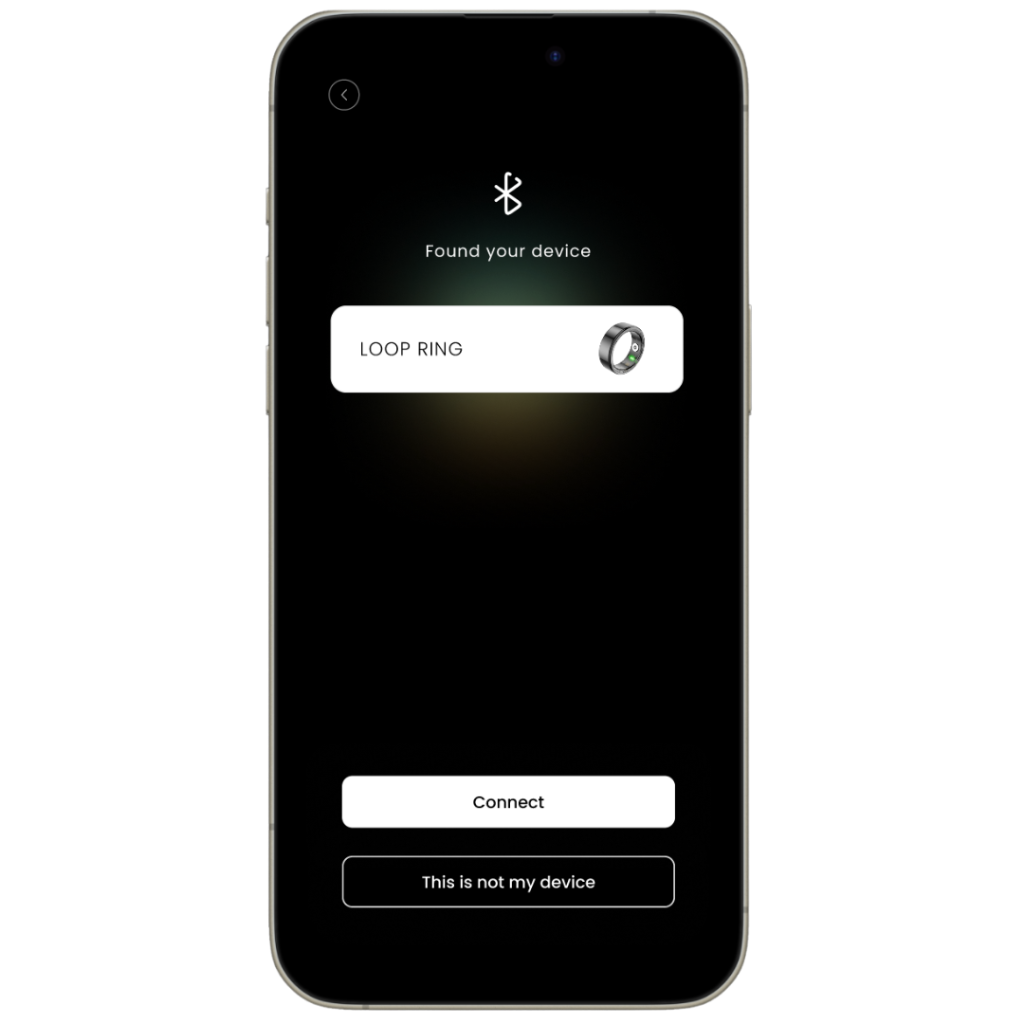
Open the Loop app and follow the setup wizard to pair your ring via Bluetooth. Make sure Bluetooth is enabled on your device and the ring is charged.
Component Description
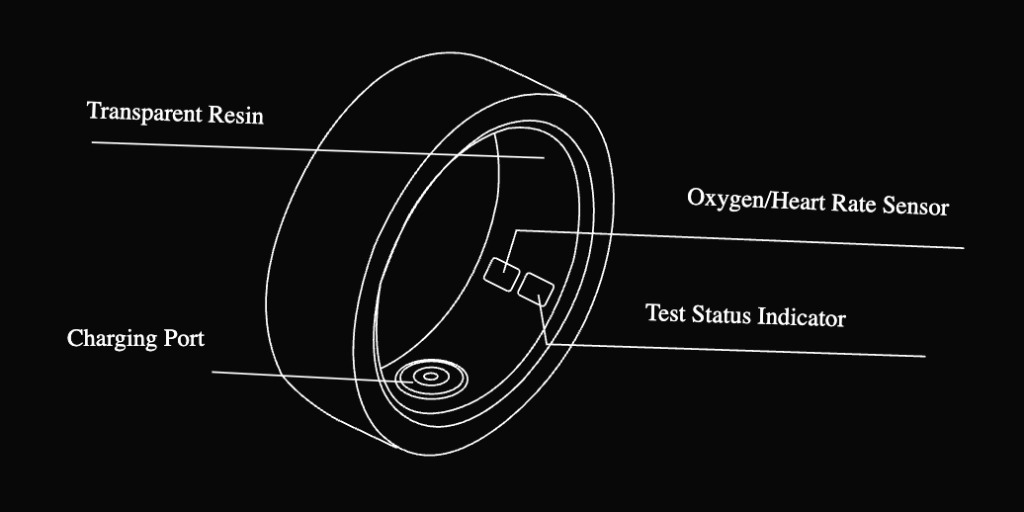
Understanding your Loop Ring's components will help you get the most out of your health monitoring experience.
Key Components
- Transparent Resin: Durable, lightweight outer shell that's comfortable for 24/7 wear
- Oxygen/Heart Rate Sensor: Advanced PPG sensors for continuous health monitoring
Smart Features
- Test Status Indicator: LED light shows connection and measurement status
- Charging Port: Wireless charging connection points for easy power-up
What's in the Box
Your Loop Ring package includes everything you need to start your health monitoring journey.
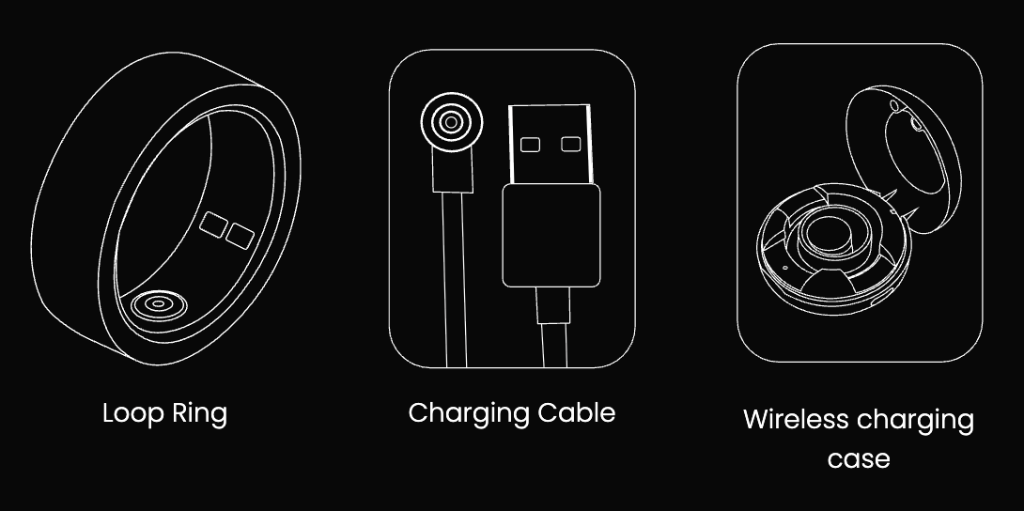
Loop Ring
Your personal health monitoring device in your chosen size and color
Charging Cable
USB charging cable to power your wireless charging case
Wireless Charging Case
Convenient charging dock that powers your ring wirelessly
Daily Usage Tips
Wear Consistently
Wear your Loop Ring 24/7 for the most accurate health insights. The more data collected, the better the AI recommendations.
Check Your Scores
Review your UnityScore and individual metrics daily in the app to track your progress and get personalized insights.
Follow AI Guidance
Act on the personalized recommendations from your AI health coach to optimize your wellness journey.
Care & Maintenance
Keeping Your Ring Clean
Daily Cleaning
- • Rinse with lukewarm water
- • Use mild soap if needed
- • Dry thoroughly with a soft cloth
- • Clean the charging contacts weekly
What to Avoid
- • Harsh chemicals or cleaners
- • Ultrasonic cleaners
- • Extreme temperatures
- • Abrasive materials
Battery Tips
Maximizing Battery Life
- • Charge when battery drops to 20%
- • Avoid complete discharge
- • Store at room temperature
- • Use only the provided charger
Charging Best Practices
- • Place ring properly on dock
- • Ensure charging contacts are clean
- • Remove when fully charged
- • Check LED indicator for status
Common Issues & Solutions
Ring won't pair with app
• Ensure Bluetooth is enabled on your phone
• Check that the ring is charged (>20%)
• Restart the Loop app
• Reset the ring by holding the charging dock for 10 seconds
Inconsistent readings
• Ensure ring fits snugly but comfortably
• Clean the sensors on the inside of the ring
• Check that you're wearing it on the correct finger
• Allow 24-48 hours for calibration
Short battery life
• Check for app updates
• Ensure ring is fully charged (LED turns green)
• Avoid extreme temperatures
• Contact support if issue persists
Need More Help?
Our support team is here to help you get the most out of your Loop Ring.
Contact Support